

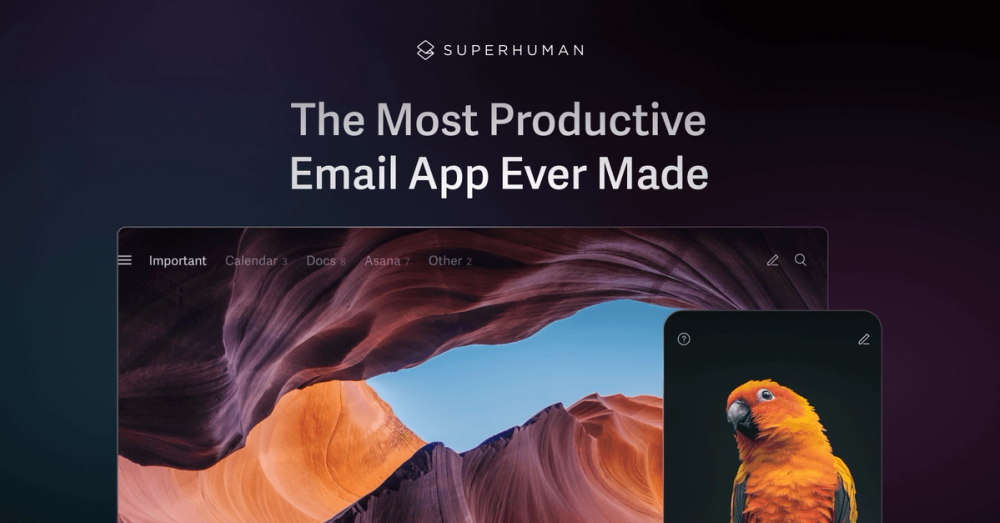
What is Superhuman
Superhuman is an AI-native email application designed to revolutionize the way teams manage their inboxes. It focuses on speed, efficiency, and collaboration, offering a suite of features to streamline email workflows and boost productivity. The app integrates with both Gmail and Outlook, providing a unified experience across different email platforms.
How to Use Superhuman
- Sign Up: Create an account and connect your Gmail or Outlook account.
- Customize Settings: Configure keyboard shortcuts, appearance, and notification preferences to match your workflow.
- Utilize AI Features: Explore features like Split Inbox, Read Statuses, and AI-powered email composition to enhance productivity.
- Collaborate with Teams: Share emails, comment on threads, and leverage team read statuses to improve communication.
Features of Superhuman
- Split Inbox: Prioritize important emails by categorizing them based on sender, tools, or team.
- Read Statuses: See when recipients have read your emails and on which device.
- AI-Powered Email Composition: Draft and send emails with the help of AI, including features like Instant Reply.
- Keyboard Shortcuts: Navigate and manage your inbox with speed and efficiency using customizable keyboard shortcuts.
- Team Collaboration: Share emails, comment on threads, and track read statuses across your team.
- Calendar Integration: Schedule events directly from your inbox, streamlining your calendar management.
Use Cases of Superhuman
- Sales Teams: Close deals faster by tracking email opens and utilizing AI-powered email composition.
- Marketing Teams: Improve communication and collaboration by sharing read statuses and utilizing team-based features.
- Product Teams: Streamline communication and project management by utilizing Split Inbox and calendar integration.
- Customer Support Teams: Improve response times and collaboration by sharing emails and utilizing team read statuses.
- Executive Teams: Manage high-volume inboxes efficiently and stay on top of important communications.
- Remote Teams: Enhance communication and collaboration across distributed teams with shared read statuses and team-based features.
FAQ from Superhuman
- What email providers does Superhuman support? Superhuman supports both Gmail and Outlook.
- How does Superhuman AI work? Superhuman AI uses advanced algorithms to help you write emails, organize your inbox, and execute workflows.
- Can I share emails with my team? Yes, Superhuman allows you to share live views of emails and comment on threads.
- Does Superhuman offer keyboard shortcuts? Yes, Superhuman offers a wide range of customizable keyboard shortcuts to enhance productivity.
- How does Superhuman improve team collaboration? Superhuman improves team collaboration through features like team read statuses and shared email threads.
- Is Superhuman secure? Superhuman employs robust security measures to protect user data, including encryption and compliance with industry standards.


