

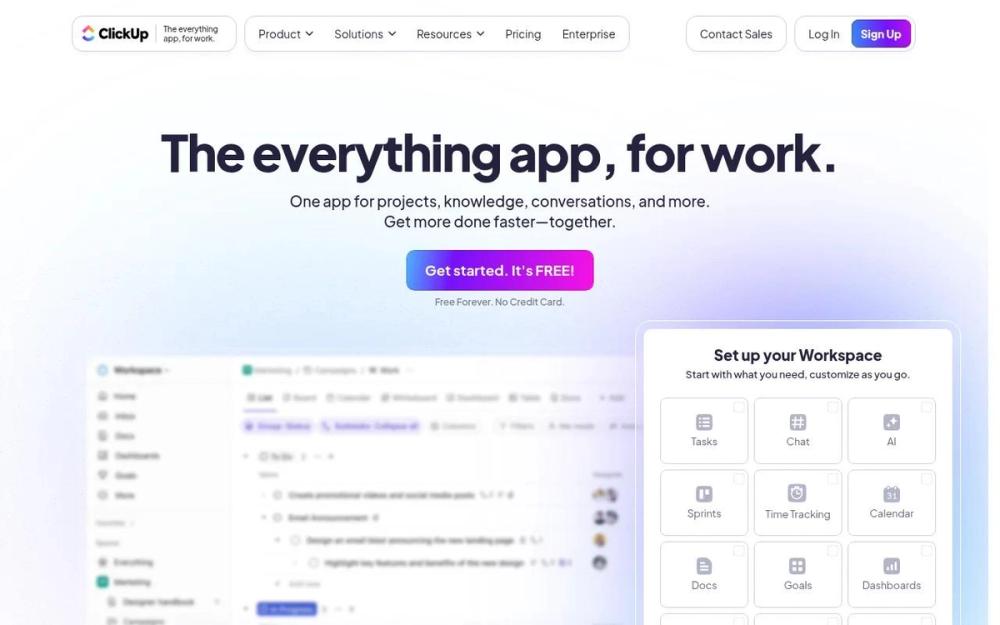
What is ClickUp?
ClickUp is a cloud-based project management platform designed to streamline workflows, enhance collaboration, and boost productivity for teams of all sizes. It offers a highly customizable and feature-rich environment where users can manage tasks, create documents, track goals, and communicate effectively.
How to Use ClickUp
- Sign Up and Create a Workspace: Start by creating a free account and setting up your workspace. Customize it with your team's name and branding.
- Organize Your Projects: Create projects and tasks within your workspace. Assign tasks to team members, set due dates, and add relevant details.
- Utilize Views and Customization: Explore different views like List, Board, Calendar, and Gantt charts to visualize your projects. Customize fields, statuses, and automations to fit your specific needs.
- Collaborate and Communicate: Use features like comments, mentions, and chat to communicate with your team. Share documents and files within tasks for easy access.
Features of ClickUp
- Task Management: Create, assign, and track tasks with detailed descriptions, due dates, and custom fields.
- Multiple Views: Visualize projects using List, Board, Calendar, Gantt, and other customizable views.
- Customization: Tailor your workspace with custom fields, statuses, and automations to fit your specific needs.
- Collaboration: Communicate with your team using comments, mentions, and chat features.
- Goal Tracking: Set and track goals to measure progress and stay aligned with your objectives.
- Reporting and Analytics: Generate reports and analyze data to gain insights into your team's performance.
Use Cases of ClickUp
- Project Management: Manage projects from start to finish, ensuring tasks are completed on time and within budget.
- Marketing: Plan and execute marketing campaigns, track progress, and collaborate on content creation.
- Software Development: Manage sprints, track bugs, and collaborate on code development.
- Agencies: Organize client projects, manage resources, and streamline communication.
- Remote Teams: Facilitate communication and collaboration for remote teams, ensuring everyone stays connected.
- Personal Productivity: Organize personal tasks, track goals, and manage your time effectively.
FAQ from ClickUp
- Is ClickUp free to use? Yes, ClickUp offers a free plan with unlimited users and a generous set of features. Paid plans offer additional features and storage.
- What integrations does ClickUp offer? ClickUp integrates with a wide range of tools, including Slack, Google Drive, Dropbox, and many more.
- Can I customize my ClickUp workspace? Yes, ClickUp is highly customizable. You can create custom fields, statuses, and automations to fit your specific needs.
- How does ClickUp help with collaboration? ClickUp offers various collaboration features, including comments, mentions, chat, and shared documents.
- Is ClickUp secure? Yes, ClickUp takes security seriously and offers various security features to protect your data.
- How do I get started with ClickUp? You can sign up for a free account on the ClickUp website and start exploring the platform immediately.


