
LogoDirect2App
icon of Convert Google Maps to GPX

Convert Google Maps to GPX

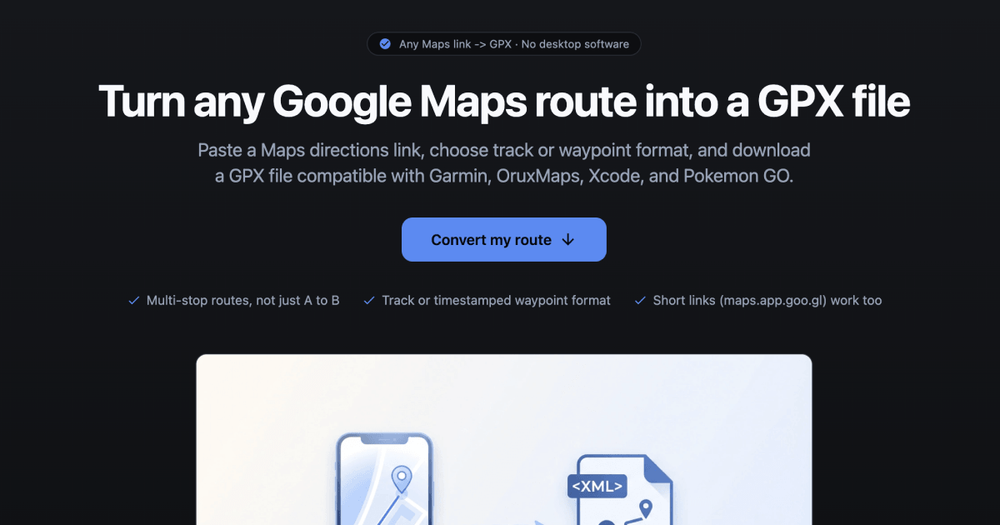
Turn Google Maps routes into GPX files for Android, iPhone, Pokémon GO, and other GPS apps.

Introduction

Convert Google Maps to GPX – Overview

GMaps To GPX is a lightweight, web‑based converter that transforms Google Maps directions URLs into standards‑compliant GPX (GPS Exchange Format) files. The service works entirely in the browser, requiring only a URL paste and a sign‑in step to fetch the route data.

Key Features
  • Automatic travel‑mode detection – extracts walking, cycling, driving, or transit mode from the Maps link.
  • Multiple format options – export as track (full continuous path) or route (key waypoints).
  • Support for short URLs – accepts both full Google Maps URLs and maps.app.goo.gl short links.
  • Device‑specific presets – one‑click conversion for Android, iPhone, Pokémon GO, and other GPX‑compatible apps.
  • Multi‑route selection – when several alternatives exist, choose the desired route before conversion.
  • Advanced output settings – optional route naming, GPX type selection, and access to additional format converters (KML, TCX, FIT, GeoJSON, etc.).
  • Privacy‑first design – conversion occurs on the server only during the session; users can delete their route data after download.
Typical Use Cases
  • Android navigation – import the GPX track into OruxMaps, Locus Map, OsmAnd, or any Android GPS app.
  • iOS location testing – load waypoints into Xcode’s iOS Simulator for app development.
  • Pokémon GO route simulation – generate timestamped waypoints for route‑based gameplay tools.
  • Fitness & mapping – feed the GPX file into Garmin, Strava, or other fitness platforms for activity recording.
  • Web or desktop GIS – convert GPX to KML/GeoJSON for use in Google Earth, QGIS, or custom web maps.

Overall, the tool provides a fast, no‑install solution for anyone needing a portable GPX file from a Google Maps route, streamlining workflows across mobile, web, and desktop GPS ecosystems.
Newsletter

Join the Community

Subscribe to our newsletter for the latest news and updates