

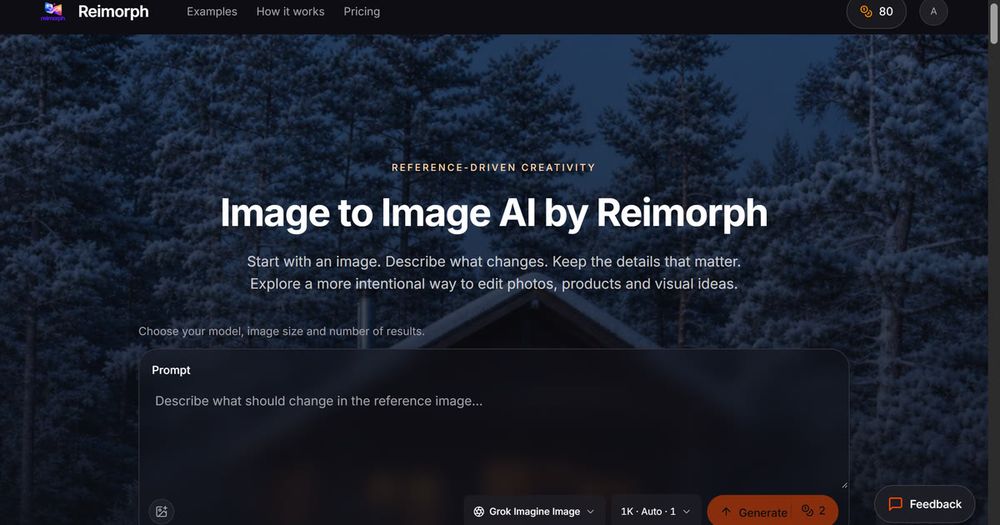
Reimorph: Image to Image AI Editor
Reimorph is a reference-driven AI image editing platform that transforms existing photos using text prompts rather than generating from scratch. The service features 8 specialized editing models ranging from budget-friendly Grok (2 credits) to flagship Nano Banana Pro (8 credits), each offering different quality levels and capabilities.
Key Features
- Reference-driven editing: Upload a photo and describe specific changes while preserving subjects, compositions, and important details
- 8 editing models: Compare models side-by-side including Grok, GPT Image 2, Nano Banana Pro, Nano Banana 2, FLUX Kontext Pro, FLUX Kontext Max, FLUX.2 Edit, and Qwen Image Edit 2511
- Transparent pricing: Credit costs displayed upfront before generation, no surprise billing
- Free preview: One free 1K Grok preview available without registration
- Privacy-focused: Images remain private, never used for model training
- Failed generation refunds: Credits automatically returned for failed or timed-out jobs
- Content safety: Prompts and outputs screened before delivery
- Multiple use cases: Product staging, fashion edits, interior design, seasonal changes, portrait modifications
Practical Applications
- Product photography: Change backgrounds, add elements, create lifestyle shots while preserving product shape and details
- Fashion editing: Try on different outfits, change colors/styles while maintaining body pose and lighting
- Interior redesign: Reimagine spaces with new furniture, materials, or lighting without starting from scratch
- Seasonal transformations: Change atmospheres (summer to winter, day to night) while preserving key elements
- Portrait edits: Modify clothing, hair, or accessories while preserving identity, facial features, and pose
Workflow
- Upload a reference photo (JPG, PNG, WebP up to 10MB)
- Write a focused prompt describing the change
- Select an editing model and review credit cost
- Generate and compare results side-by-side
- Inspect details and download the desired output


